7 Photos That Sell Remnants Faster
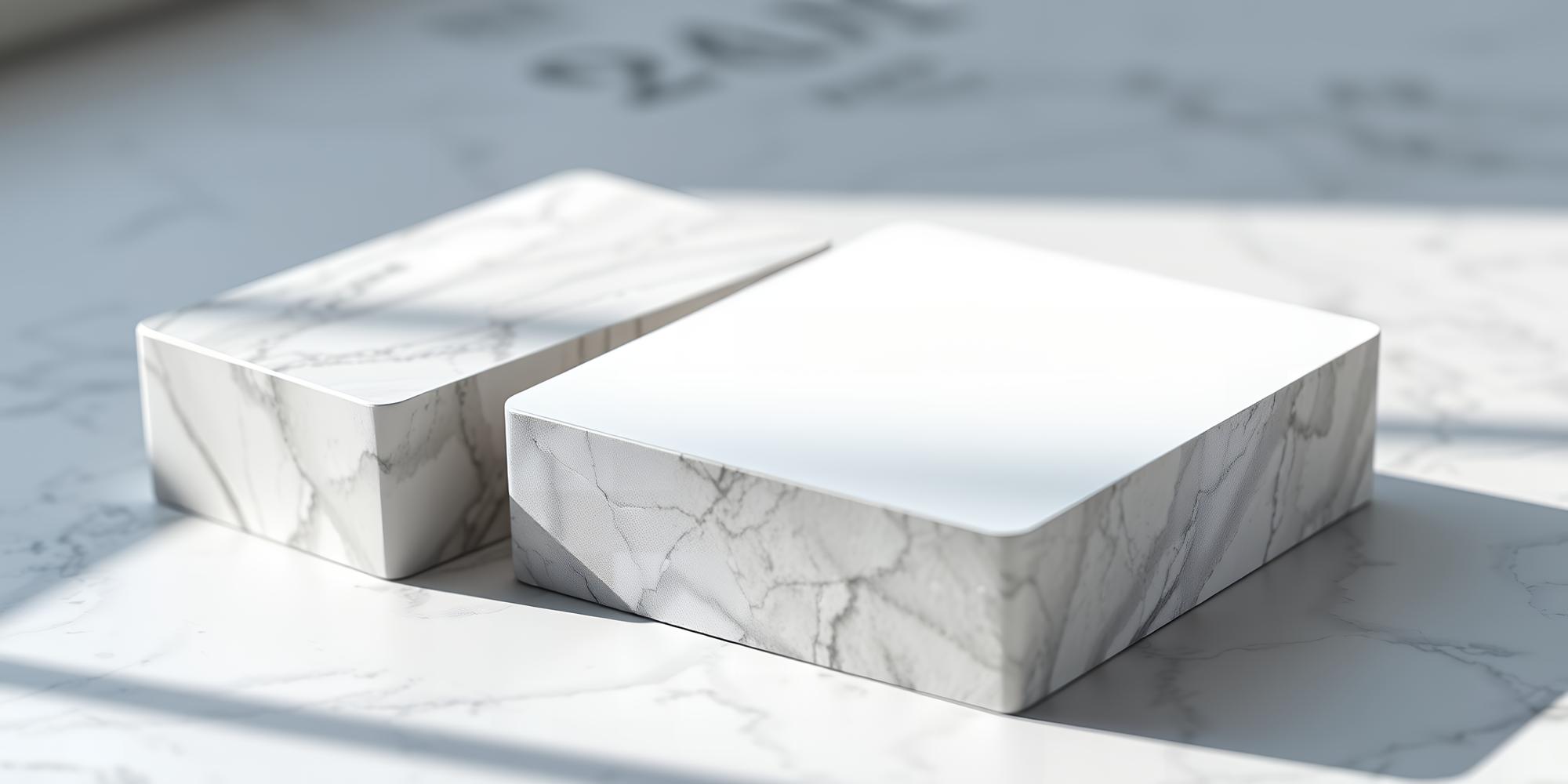
Your remnant is only as good as its photos. That’s not an opinion — it’s marketplace data. Listings with five or more high-quality photos consistently generate three times more inquiries than listings with one or two mediocre shots. In a world where buyers scroll past dozens of listings in seconds, your photos are the make-or-break factor between a sale and a skip.
The good news? You don’t need a professional photographer or expensive equipment. A modern smartphone, natural light, and a systematic approach to capturing seven specific angles will dramatically increase your remnant sell-through rate. Here’s exactly what to shoot and why each photo matters.
Why Photo Quality Directly Impacts Sales
Stone is a visual product. Unlike buying lumber or hardware, where specifications alone can drive a purchase decision, countertop material purchases are heavily influenced by aesthetics. A homeowner choosing a bathroom vanity top wants to see the veining, the color depth, the way light plays across the surface. A contractor sourcing material for a client needs photos good enough to share with the homeowner for approval.
Marketplace data consistently shows the correlation between photo quality and sales performance:
- Listings with 5+ photos receive 3.2x more inquiries than single-photo listings
- Listings with natural lighting photos get 40% higher engagement than indoor fluorescent shots
- Listings that show imperfections honestly have a 25% higher close rate (buyers trust transparent sellers)
- The average time to sale drops from 45 days to 12 days when photo quality is high
Every minute you invest in better photos pays back in faster sales and higher prices. Here are the seven shots that make it happen.
Shot 1: The Full Piece Overview
This is your hero image — the first thing a buyer sees when scrolling through listings. Stand back far enough to capture the entire remnant in a single frame. The piece should fill most of the image while showing its full outline and proportions.
How to take it right:
- Lean the piece against a wall or A-frame at a slight angle (10-15 degrees) so you can photograph the full face
- Include something for scale — a tape measure laid across the bottom, or stand a 2-foot level next to it. Buyers need to internalize the size immediately
- Shoot from straight on, centered, at roughly the midpoint height of the piece
- Make sure the background is clean and uncluttered — other slabs, equipment, and debris in the background distract from the piece you’re selling
Why it matters: This photo answers the buyer’s first two questions: “What does it look like?” and “How big is it?” If these questions aren’t answered instantly, they scroll on.
Shot 2: Close-Up of the Pattern and Veining
This is what sells exotic and premium materials. A full slab overview shows the general appearance, but the close-up reveals the character — the way veins flow, the depth of color variation, the crystalline structure that makes natural stone unique.
How to take it right:
- Get within 12-18 inches of the surface
- Focus on the most visually interesting area — where veining is most dramatic, where colors transition, or where the pattern creates a focal point
- Wet the surface before shooting. This is the single biggest tip for natural stone photography. Water brings out the color depth and veining contrast that a dry surface hides. A spray bottle and a rag are all you need
- Use your phone’s portrait mode if available — it creates a subtle depth effect that makes the image look more professional
Why it matters: This photo creates desire. When a homeowner sees a close-up of gorgeous Calacatta veining or the deep blue movement of Azul Macaubas, they start imagining it in their space. That emotional connection is what converts a browser into a buyer.
Shot 3: Edge Detail
The edge of a remnant tells a buyer important things about the material and its possibilities. Is the edge naturally rough? Has it been polished? Is it straight-cut or does it have an irregular shape? The edge also reveals the material’s thickness and cross-section color.
How to take it right:
- Photograph the edge at a slight angle, showing both the edge face and a glimpse of the top surface
- Include at least 12-18 inches of the edge in the frame to show consistency
- If the edge has been polished or profiled (from a previous project), capture that detail — it adds value because the buyer may not need edge work
- For two-tone materials (like granite with a different color on the surface vs. the cross-section), make sure the edge shot shows both
Why it matters: Professionals pay attention to edges. A contractor or fabricator looking at your remnant wants to know the thickness, whether existing edge work can be incorporated, and what the material looks like in cross-section. For them, this photo is a practical assessment tool, not just aesthetics.
Shot 4: Color in Natural Light
Indoor shop lighting — especially fluorescent — distorts colors significantly. That warm Taj Mahal quartzite that looks golden in sunlight appears gray-green under shop fluorescents. Buyers know this, and savvy ones will discount indoor-only photos because they can’t trust the color representation.
How to take it right:
- Move the piece outside or to a loading dock with good natural light
- Shoot on an overcast day if possible — direct sunlight creates harsh shadows and blown-out highlights. Overcast light is even and true
- If you can’t move the piece outside, position it near a large open garage door where natural light reaches it
- Avoid shooting in the shade of a building — this creates a blue color cast
- Take the photo from the same angle as your overview shot for consistency
Why it matters: Color accuracy builds trust. When a buyer drives 45 minutes to your shop to see a remnant and it looks exactly like the photos, you’ve earned their confidence for this sale and future ones. When the color doesn’t match, you’ve wasted their time and yours — and they’re unlikely to come back.
Shot 5: Any Imperfections — Photographed Honestly
This is the photo most fabricators skip, and it’s the one that separates trusted sellers from the rest. If your remnant has a chip on one corner, a small crack, a filled repair, or any blemish, photograph it clearly and note it in the description.
How to take it right:
- Get close enough that the imperfection is clearly visible — no ambiguity
- Include enough surrounding surface to show the scale of the imperfection relative to the overall piece
- If it’s a repaired crack, note whether the repair is structural or cosmetic
- For chips, photograph from the angle that shows the size and depth accurately
Why it matters: Counter-intuitively, showing imperfections increases your close rate. Here’s why: when a buyer sees a listing with no mention of imperfections, they assume either A) it’s too good to be true, or B) the seller is hiding something. Either way, they approach with skepticism. But when they see a listing that honestly shows a small chip in photo #5 with a note saying “small chip on corner, easily concealed during fabrication,” they think: “This seller is honest. I can trust the rest of the listing.” That trust converts to sales.
Shot 6: Thickness and Profile View
Material thickness matters for every application. A 2cm remnant works for a bathroom vanity but not for a kitchen counter that needs 3cm. A buyer needs to know the thickness from the photo, not just from the description — because descriptions can contain errors.
How to take it right:
- Photograph the corner or end of the piece where both the top surface and the edge are visible simultaneously
- Place a ruler or tape measure against the edge showing the thickness clearly. A simple “3cm” reading in the photo eliminates any misunderstanding
- If the piece has been laminated (two pieces bonded for a thicker edge), show this clearly as it’s a selling point for kitchen applications
Why it matters: Thickness misunderstandings are the number-one reason for in-person visit failures. A buyer drives to your shop expecting 3cm material and finds 2cm — the trip was wasted, and so was your time answering the door. A clear thickness photo eliminates this entirely.
Shot 7: The Context Shot — Show Potential
This is the optional seventh shot that elevates your listing from informational to aspirational. Instead of just documenting the stone as raw material, show what it could become. This doesn’t require staging a full installation — even a suggestive composition helps.
How to take it right:
- If the remnant is large enough for a vanity, prop it on a small cabinet or against a bathroom-style backdrop
- For smaller pieces, place them on a coffee table or shelf to suggest their use as a tabletop or accent piece
- If you have completed projects with similar material, include a photo of the finished installation (with permission) to show the buyer what the material looks like installed
- Even a simple caption like “Perfect for a 36-inch bathroom vanity” or “Ideal for a coffee table top” helps the buyer visualize the end result
Why it matters: Most buyers — especially homeowners — need help imagining the application. They see a slab of stone and think “that’s nice.” But they see a photo suggesting it as a bathroom vanity and think “that’s exactly what I need for my powder room remodel.” Context turns interest into intent.
The Photography Workflow: Make It a Habit
Taking seven photos per remnant sounds like a lot until you build a system. Here’s an efficient workflow that takes about 5-7 minutes per piece:
- Move the piece to your photography spot (near a loading dock or outside)
- Spray the surface with water — one sweep with a spray bottle
- Take the overview shot with scale reference
- Move in for the close-up of the best veining area
- Walk to the edge and capture the edge detail
- Step back for the natural light overview
- Photograph any imperfections
- Capture the thickness with a ruler
- If time permits, take the context shot
Set up a dedicated photography area in your shop — even just a clean wall with good light — and batch your photography. Doing 10 remnants in an hour is realistic once you have the routine down. That hour of work consistently generates thousands of dollars in sales over the following weeks.
Upload, List, and Sell
Great photos paired with accurate descriptions and competitive pricing create listings that sell. Remnant Finder lets you upload photos directly from your phone, add material details, set your price, and publish — all in under two minutes per listing. Your photos are displayed prominently, giving buyers the visual confidence they need to reach out.
“I went from selling maybe one remnant a month to selling four or five — and the only thing I changed was my photos. Same inventory, same prices, but now buyers can actually see what they’re getting.”
Your remnants deserve better than a single, poorly-lit photo taken in passing. Give them the seven shots that tell their full story, and watch your inquiries multiply. The investment is 5-7 minutes per piece. The return is measured in thousands of dollars per month. Start today — your yard full of forgotten stone is waiting to become your most profitable revenue stream.