CRM & Pipeline

See Every Job. Know Every Client. From Lead to Done.

Every quote, message, photo, invoice and install — linked to the right project, on a kanban your whole team can see in real time. No more 'where's that job at?' on Monday morning.

See Every Job. Know Every Client. From Lead to Done.

Generic CRMs don't speak countertop. This one was built for it.

Salesforce, HubSpot, Pipedrive — they're built for SaaS sales reps, not stone fabricators. They have no concept of templating, fab queues, install crews, remnants, edge profiles or deposits. Remnant Finder is a CRM that thinks in slabs, jobs and shop schedules — because that's what your business actually runs on.

What you get

Built for how a stone shop actually runs

Every project carries its full story: who the lead came from, what was quoted, what was approved, what was templated, what was fabricated and installed, what was paid and when. Photos, drawings, messages and revisions all hang off the same record — so the answer to any 'remind me about the Smith job?' question is one tap away.

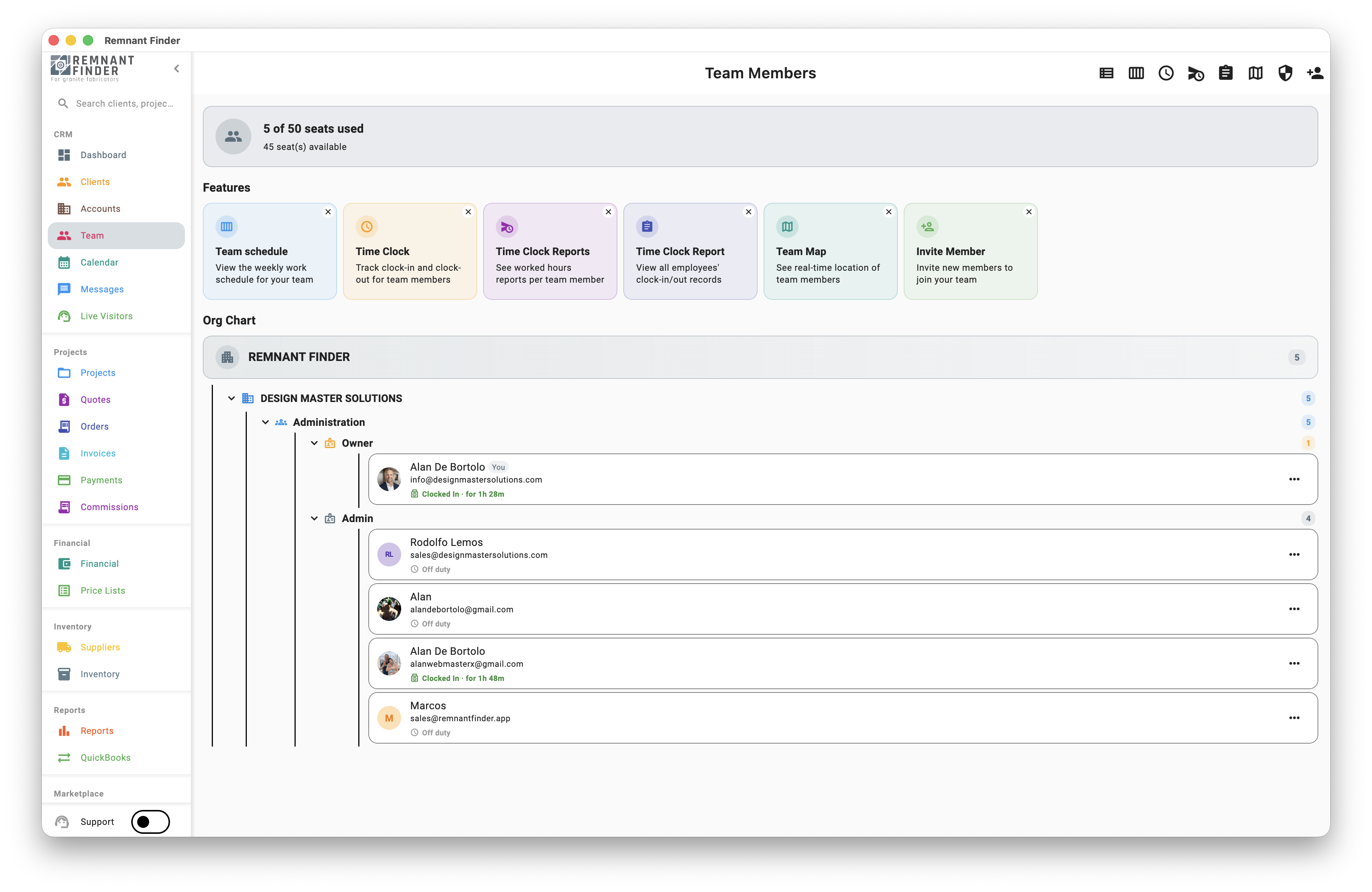
Team permissions match shop reality. The owner sees everything. Admins manage clients and quotes. Sales reps see their own deals. Installers see their assigned jobs and routes. Nobody sees what they shouldn't, and nobody is missing what they need.

Clients log into a branded portal where they approve quotes, see install dates, pay invoices and message your team. No more 'when's my install?' phone calls — they have it on their own dashboard.
What changes for your shop

What changes when you use it

Visibility
Every job, every stage, every team member — in one view
Onboarding new staff
Days, not weeks (the system shows them what's next)
Client phone calls
Down 30–50% (clients self-serve in the portal)
Lost projects
Near zero — nothing falls through the cracks

Frequently asked questions

Can I customize the kanban stages?

Yes. Add, rename, reorder or remove stages to match your shop's flow. Each stage can have its own auto-actions (notifications, emails, activities).

Does the client really need to log in?

No. They can approve quotes and pay invoices via secure links sent by email — no account needed. The full portal (with login) is optional and great for repeat customers and contractors.

How do team permissions work?

Built-in roles (owner, admin, member, sales, installer) cover most shops out of the box. Pro plans let you create custom roles with granular per-feature permissions.

Can I import my existing client list?

Yes. Import via CSV (we'll map your columns), pull contacts directly from your phone, or sync customers from QuickBooks Online. Most shops are up and running in under an hour.

Continue exploring

See it on a real shop

Start a free trial today or book a 20-minute live demo. No credit card required.